Wireframy
You are halfway through a spec and you need a picture of the screen: three boxes and a button, enough that the engineer and the designer argue about the same thing.
Wireframy draws it inside Obsidian. Drag elements onto a board, or write four lines of text and let it draw itself. The sketch skin is deliberately rough, so nobody spends the review arguing about corner radius.
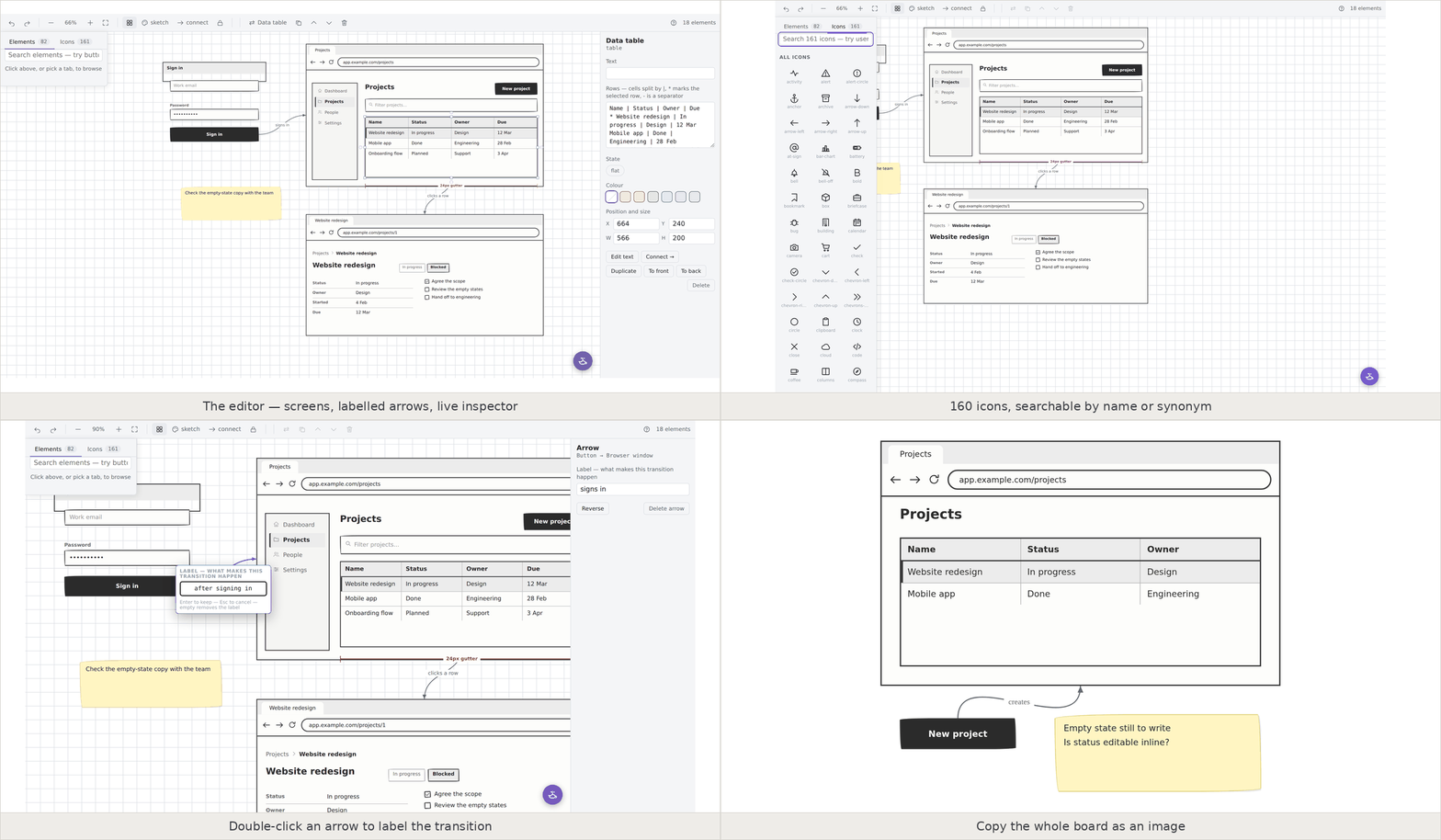
Settings → Community plugins → Browse, search for Wireframy, install, enable.
To install it by hand instead, put main.js, manifest.json and styles.css from the latest release into <your vault>/.obsidian/plugins/wireframy/ and enable it under Community plugins.
Why it lives in your vault
Every wireframing tool lives somewhere else. You write the spec in Obsidian, then open Figma to draw the screen, then paste a screenshot back into the note, and three weeks later the screenshot is wrong and the file it came from is gone.
Wireframy keeps the drawing next to the writing. A board is a file in your vault called Login.wire. It opens in a drag-and-drop editor, it diffs cleanly in git, it syncs with everything else, and it will still open in ten years because it is text.
What it costs
Nothing. MIT licensed, installed from Obsidian's own plugin list, no account, no cloud, no per-editor seat. The AI features are the exception: they use an API key you supply, so you pay your provider for what you use and nothing to me.
If you have used Balsamiq the sketch skin will feel familiar. You give up clickable prototypes, shared commenting, and a link you can send a stakeholder who does not use Obsidian. You get wireframes that sit in the same folder as the spec they belong to and open without a browser.
Write four lines, get a screen
Put a code block tagged wf anywhere in a note and it renders as a wireframe:
window: Settings | app.example.com/settings
  h1: Settings
  card: Notifications
    toggle: Email me updates
    toggle: Weekly digest
  row: (right)
    btn: Cancel
    btn: Save (primary)
Two spaces of indentation nests one widget inside another. Modifiers go in brackets: (primary), (dashed), (right), (muted), and six colours. That is the whole language.
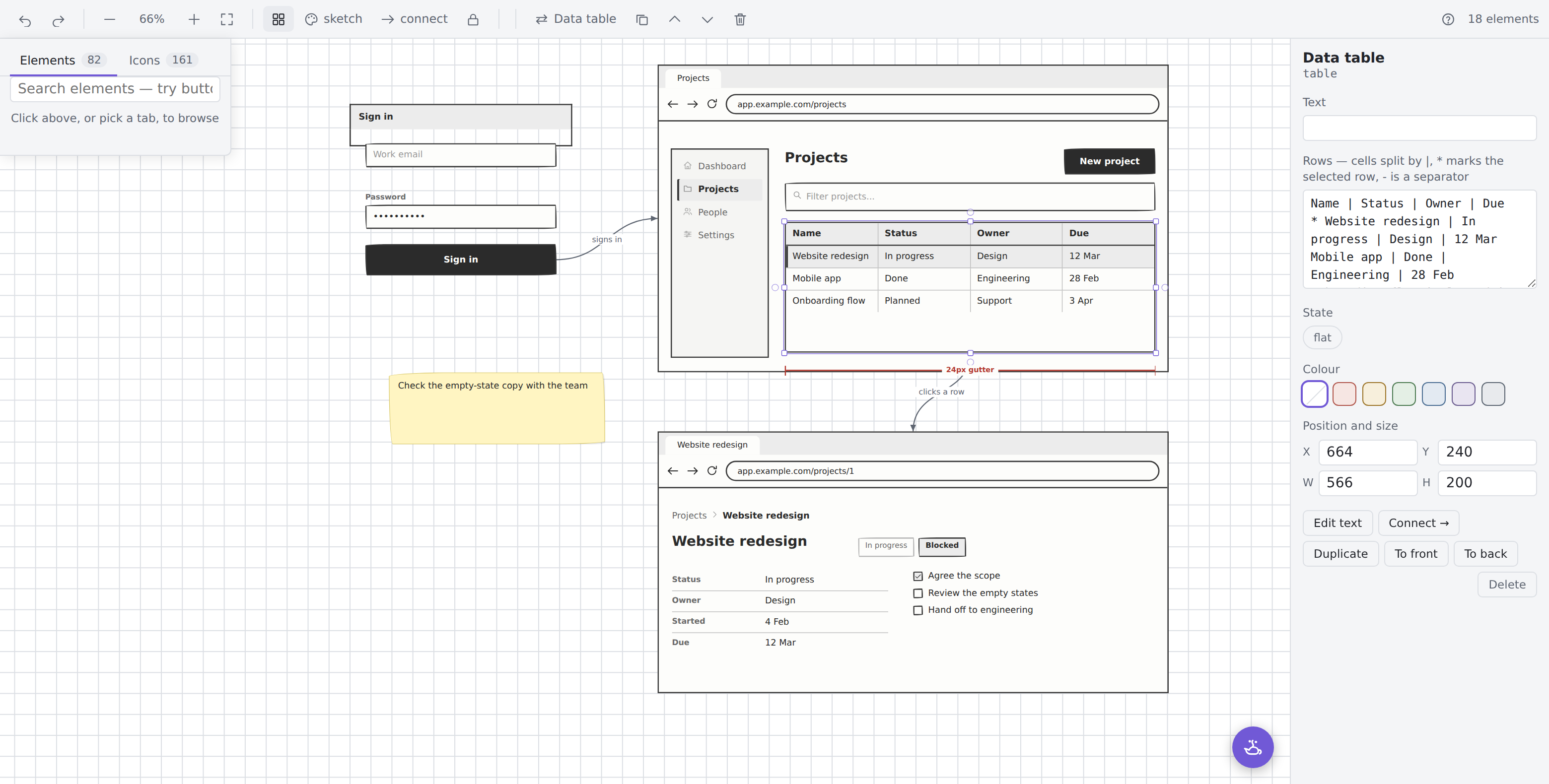
The same 161 icons are available by name, so icon: search draws a magnifying glass.
A genie that reads your screenshots
There is a lamp in the corner of every board. Paste a screenshot, drop one in, or pick one from your vault, then ask.
"What is wrong with this settings screen?" gets you an answer. "Draw me a better version" gets you an answer and a button that puts it on the board.
The genie can only add to a board, never change what is already on it. There is no path from the chat to an existing element, so if what arrives is wrong you delete it and the rest is as you left it.
Bring your own API key, Anthropic or Google. It stays off until you turn it on, requests go straight to the provider, and there is no Wireframy server. Each board gets a plain markdown transcript beside it, so the conversation is searchable in your vault like any other note, and it renders the wireframes it proposed.
What is in it
| What | Detail |
|---|---|
| 82 widgets | Windows, phones, browsers, tables, forms, charts, nav, calendars, shapes, text |
| 161 icons | Searchable by name or by one of 75 synonyms. email finds mail, gear finds settings |
| 3 skins | Sketch is hand-drawn, clean is flat grey, wire is outline-only and prints well |
| Arrows with labels | Connect two elements, double-click the arrow, type on it |
| Transform in place | Change a button into a link without redrawing it |
| Presentation mode | Full screen, one board at a time, for walking someone through a flow |
What it will not do
No clickable prototyping, by design. You get static screens and the arrows between them.
In the editor, containers are backdrops you place things on rather than real parents, so dragging a button onto a card does not make it a child of that card. The wf text format does nest properly and lays the children out for you.
Rows, columns, wells and scroll areas have no text of their own. Double-click one and it tells you so instead of opening an empty box.
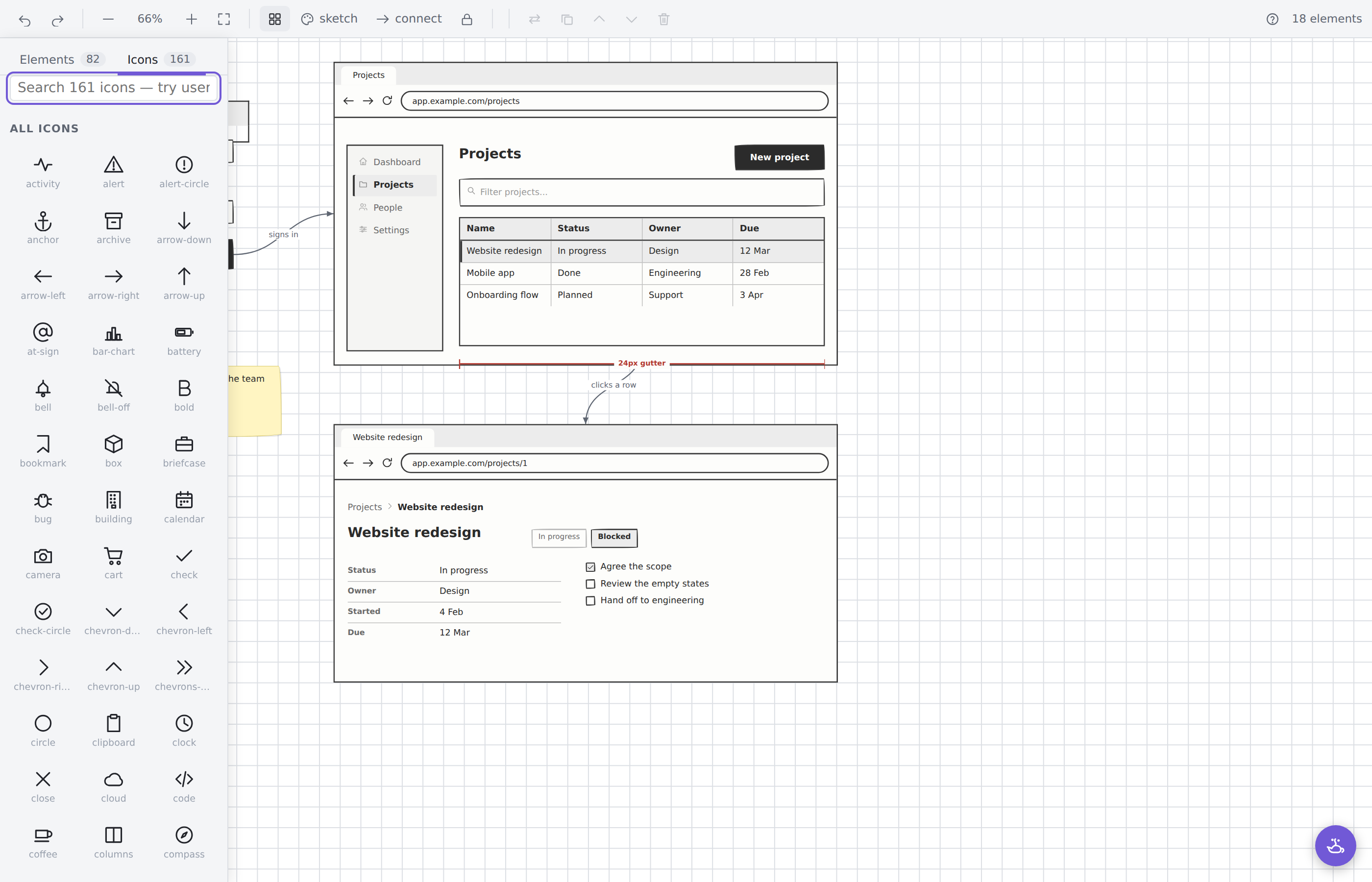
Ask for an icon that is not among the 161 and it falls through to Obsidian's bundled Lucide set, which will not match the hand-drawn skin.
Then tell me what broke
Wireframy is six days old and has had eight releases in that time. It is one person's plugin, the rough edges are real, and I do not know where all of them are yet.
There is a Discord, and it is the only way I find out that something is not working. Questions, bugs and half-formed ideas all go in the same place.
Every widget and all 161 icons are drawn from scratch in the repository. No third-party artwork is bundled.